How to make sense of a book or a textbook without reading it all
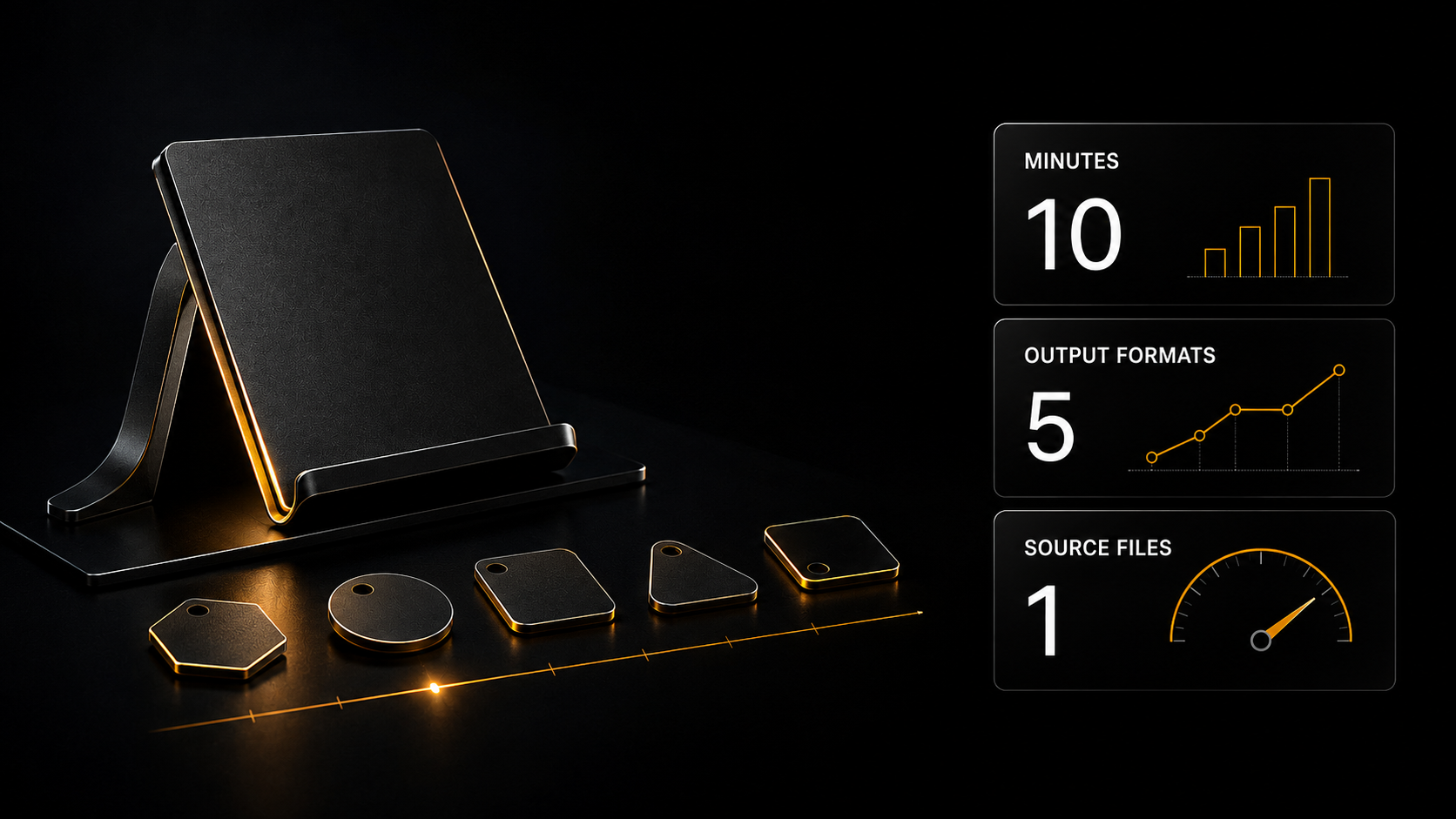
A two-hundred-page textbook when you need to understand one topic. Below is an approach where you do not read but ask: upload the file and put questions in your own words. And from the same file you get an audio retelling for the road, a video lesson, slides, a test and flashcards. All shown on video.
A two-hundred-page textbook when you need to understand one topic. Below is an approach where you do not read but ask: upload the file and put questions in your own words. And from the same file you get an audio retelling for the road, a video lesson, slides, a test and flashcards. All shown on video.
---
If there is no time to read: five steps
1. Upload the PDF to NotebookLM — the service answers only from your file rather than from the internet.
2. Ask in ordinary words. Did not understand the answer — ask for it explained more simply, even as if to a ten-year-old.
3. Look at the footnotes. Every answer is marked with the page number it came from.
4. From the same file you can make audio, video, slides, a test and flashcards — one button each.
5. Do not write the prompts yourself — there is a separate assistant for that, and it is free.
---
Two hundred pages for one topic
The situation is familiar to anybody who has ever prepared for an exam or got to grips with a new field.
You have a two-hundred-page applied mechanics textbook. You need one section — how Archimedes' pulleys work. You open the contents, find the entry "Cylindrical joint", turn to the page and discover formulas resting on the previous chapter. You open the previous one — there is a reference to an earlier one still.
Half an hour later you have read forty pages and still not understood the main thing.
The same with a business book, a handbook at work, a manual for new software. You need one answer, and the only way to get it is by reading sequentially.
There is another order: not reading but asking. What follows is how that looks on a real run.
---
Who I am and which book I worked through
I have been working with AI for five years, since 2019.
Below are four videos with screen recordings. Not a retelling but what actually happened: uploading the file, questions, answers, generation. You see exactly what I saw.
What I worked through was a school-level applied mechanics textbook for the final two years, 2021 edition. The topic: Archimedes' pulleys.
---
Step 1. Upload it and ask
What happens there.
Uploading. I open NotebookLM — a free Google service — create a notebook and drag the PDF into it with the mouse straight from the downloads folder. Nothing has to be configured.
An automatic summary. The service reads the file itself and produces a brief overview with a heading: "Applied mechanics: from theory to engineering". That is, you see what the book is about before asking a single question.
Ready questions. Suggestions appear at the bottom — questions it would make sense to ask of this text. I chose one: "How does applied mechanics explain the working of Archimedes' simple machines?"
That is more useful than it sounds. Often you do not know what to ask because you do not know what is in there. The suggestions solve that for you.
An answer with page references. Back comes a detailed point-by-point analysis: the golden rule of mechanics, the law of the lever, pulleys and inclined planes. And every statement carries a footnote number.
Hover over a footnote and a quotation from the book opens with a "View source" button. One click and you are on that very page.
That is the main difference from an ordinary chat. An ordinary chat answers from what it knows on average. This one answers from your file and shows where it got it.
---
Step 2. Did not understand — ask for it simpler
Next comes the most useful part of the first video.
I asked a second question — "How are Archimedes' pulleys built?" — and got an answer with the phrase: "from the standpoint of applied mechanics, an Archimedean pulley constitutes a modification of the lever".
Formally correct. In substance incomprehensible.
And instead of reaching for another book, I wrote straight into the same window:
> "I did not understand 'from the standpoint of applied mechanics, an Archimedean pulley constitutes a modification (variation) of the lever'. Explain it with a simpler example, as if to a 10-year-old child."
What came back. An analogy with a see-saw: picture an ordinary see-saw, now make it round, here is the pivot, here are the equal arms, here is why a groove for the rope is needed. And a practical example with a bucket.
A technique worth taking whole. An incomprehensible phrase can be copied and explained more simply — as if to a child, or with an everyday example. That works with any text and removes the main problem with textbooks: they are written for people who already understand.
---
Step 3. A separate assistant writes the prompts
Next begins what the whole second half of this article is for. And here a second tool appears.
To get from a book not just an answer but an audio lesson or a video presentation, you need a detailed request: with a role, a structure, criteria and an output format. Writing that yourself is a separate skill.
I did not write it. I use a ready assistant — "Prompt Master".
What it does. It analyses your simple request: what the goal is, what the context is, who the audience is. It proposes five adaptation options with different approaches. Then it assembles three ready prompts to a strict structure — context, role, answer rules, criteria, output format. And it checks itself for weak points.
Inside it are all the modern prompt engineering techniques — self-checking, trees of reasoning, meta-prompting.
And the key thing: it writes prompts for anything. Not only for books — for texts, pictures, video, code, analytics. Any task, any tool.
---
Step 4. The book becomes an audio lesson
What happens there.
The notebook connects to the chat. In Gemini I attach the notebook created earlier as a source — it appears as a card right in the message.
I write a simple request:
> "Here is the source. Write a prompt so that I get a detailed explanation of the topic of how Archimedes' pulleys work, what they are, where they are and how they work. As detailed and thorough as possible, in simple language as if for a 10-year-old child."
Prompt Master produces a ready structured request — with a role, steps, criteria and a format. I copy it with one button.
I go back to NotebookLM, open the "Audio overview" tool in the right-hand panel. In the settings I clear the standard text in the "what to focus on" field and paste in the copied prompt. Format — a brief retelling.
I press "Generate".
Two presenters discuss the topic in conversation — exactly as set in the prompt: simple language, with analogies, step by step.
What that is for. You cannot listen to a textbook on the road, at the wheel or out walking. An audio retelling you can. And it is not general but specifically on your topic and in the style you set.
---
Step 5. The book becomes a video lesson
The mechanics are the same but the result is different.
The request to Prompt Master:
> "Here is the source. Write a prompt so that I get a video presentation with a detailed explanation of the topic of how Archimedes' pulleys work... in simple language as if for a 10-year-old child."
What it proposed. Five different approaches to the presentation, and they are worth listing so it is clear what level of working-out we are talking about:
A story-game explainer, "Archimedes' superpower: how to lift an elephant with a single thread" · interactive popular science with experiments · a director's production plan with a storyboard and 3D animation · a practical analysis, "Where Archimedes' pulleys are hiding around us" · a historical format, "The legend of Syracuse".
I chose the second prompt — an engineering-pedagogical treatment with a step-by-step storyboard and experiments. Inside it was a five-module structure for the video lesson: what a pulley is, a fixed pulley and why the force equals the weight, a movable pulley and why the force halves, a system of pulleys as the secret of construction cranes, and a workshop on "build a pulley from a cotton reel, a paper clip and a pencil".
Next comes the "Video overview" tool in the same right-hand panel. Format "educational video". And a gallery of visual styles to choose from: classic, whiteboard, kawaii, anime, watercolour, retro.
---
Step 6. Slides, a test and flashcards
Here three things are made from the same file, all in parallel.
Slides. The same route: a request to Prompt Master → a ready prompt → the "Presentation" tool → paste → generate.
Out came ten slides with diagrams. The first: "How to make a weak motor lift a heavy part" — a diagram with a 20 kg motor and a 100 kg load. Then progressively: a fixed pulley changes the direction of the force but not its magnitude · a movable one halves the weight · a system of pulleys gives a fourfold advantage · the golden rule of mechanics, that we pay for force with distance · where this occurs around us, from truck cranes to lifts · and a design problem for a garage winch.
A test. The "Test" tool; in the settings I state the topic — and get ten questions with options.
And here is what is valuable. You answer, see the correct answer with a note — and if it is unclear, press the "Explain" button. The question goes into the chat on the left and back comes a detailed analysis. Not just "the correct answer is B" but why.
Flashcards. The "Flashcards" tool; you choose the difficulty level. Out came 75 double-sided cards for self-testing: a question on one side, the answer on the other.
All four tasks launch simultaneously — the side panel shows the queue: creating the test, generating the video overview, generating the flashcards, generating the slides. You wait for nothing on screen.
---
What that came to in total
From one PDF, in one session:
A summary — what the book is about. Answers to questions with page references. Simple explanations of incomprehensible passages. An audio lesson for the road. A video lesson with a choice of visual style. Ten slides. A test of ten questions with an analysis of each. 75 flashcards for memorising.
For a school pupil that is a complete exam preparation set. For an adult it is a way of getting to grips with a professional book without reading it cover to cover. For a parent it is material for explaining to a child a topic you are shaky on yourself.
---
The main point in all this
I did not write a single prompt myself. Not for the audio, not for the video, not for the slides. Every time I explained the task in one sentence in ordinary language, and the detailed request was assembled by Prompt Master.
And it is free — it works with no limit on the number of requests.
It is one of more than 150 ready assistants in the catalogue, sorted into fourteen sections: for every task and every model. You choose not "what to do it with" but "what I need to get".
And the prompt library holds ready templates, open free after ordinary registration.
---
What to do if the summary came out wrong
The answer is too general. Say directly: "explain in more detail, with an example" or "break it into steps".
The answer is incomprehensible. Copy the incomprehensible phrase and ask for it explained more simply. That always works.
The service says it is not in the book. Then it is not — it answers only from the uploaded file and does not invent. That is not a failure but its main property.
The audio or video came out about the wrong thing. Then the prompt was vague. Go back to Prompt Master and specify: who for, what level, what should come out.
---
If you want to write prompts yourself
Prompt Master closes the task entirely, and the only way to do without it is to learn yourself.
The basic subscription devotes two blocks to this.
"Basic prompting" — the anatomy of a proper request: context, role, steps, self-assessment criteria, input data and output format. Plus configuring a chat so it does not apologise, does not pad and answers to the point. And tone of voice — how to make it write in your language rather than officialese.
"Advanced prompting" — 17 techniques in four groups: how to build self-checking into a request, how to make it reason step by step, how to close off the invention of facts, how to construct multi-step processes.
And the same subscription also includes: the "Earning with ready templates" block with cascading spreadsheets, the "Introduction and theory" block on how AI works inside, the ten-lesson "Sales" block, the library of ready assistants, and two mini courses — on Perplexity and on Grok.
Three days of access to all of it opens free after ordinary registration. That is enough to work through one book completely and understand whether to go further.
---
Where to start today
One action, ten minutes.
Take a document you have long needed to get to grips with: your child's textbook, a handbook from work, a book you started and abandoned.
Upload it to NotebookLM and ask one question — the one you went in there for.
Did not understand the answer — copy the incomprehensible phrase and ask for it explained as if to a ten-year-old.
Did it work? Take the second step. Make an audio retelling from the same file — go to Prompt Master for the prompt, one sentence from your side.
If the text is heavy going. The assistant catalogue has an Academic editor — it is used to dense scientific and academic texts and explains them in ordinary language. Useful when a book resists not because of its length but because of its phrasing.
Registration is free and opens three days of full access.
---
What to read next
[How to make sense of an appliance manual](/en/blog/understand-manual) — the same approach on an everyday task.
[Where to start: one evening, one task](/en/blog/first-evening-one-task) — if this is your first approach to the subject.
[What prompt engineering is](/en/blog/what-is-prompt-engineering) — if you want to learn to write requests yourself.
[Where does what I write to an AI go](/en/blog/is-it-safe-to-use-ai) — if uploading work documents is off-putting.
---