A video ad from a single product photo: eight formats and how it is done
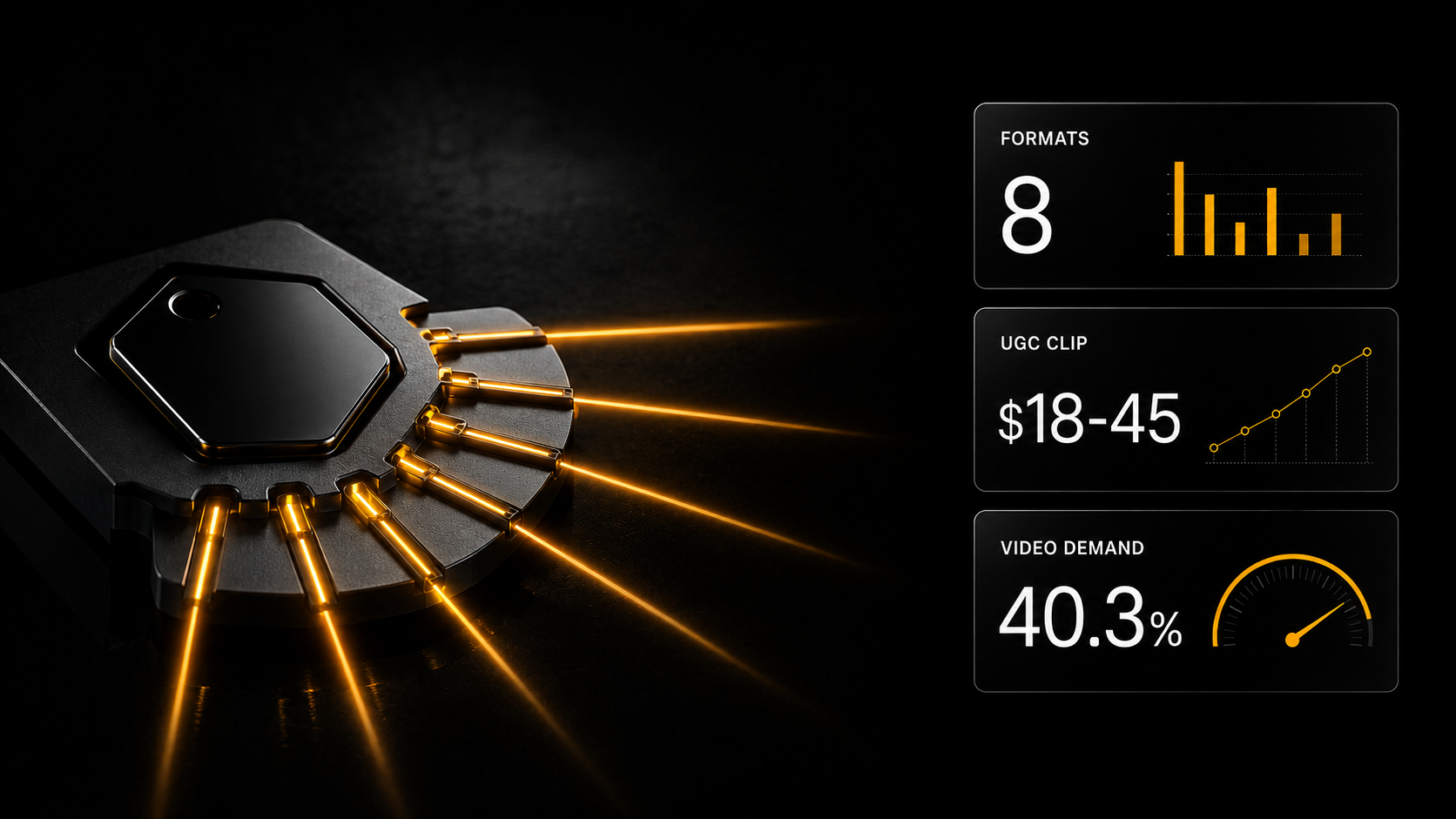
The usual road to a video ad is a script, a location, lighting, a model and an editor. There is another one: you describe your offer, attach a product photo, and get a finished video.
The usual road to a video ad is a script, a location, lighting, a model and an editor. There is another one: you describe your offer, attach a product photo, and get a finished video. Below is a breakdown of eight ad formats by task, a step-by-step guide, and how freelancers earn on this.
In short, if you are in a hurry
A video ad is built from a single product photo — no location, lighting, model or editor. You provide the offer and a photograph; you get a vertical video with music and subtitles.
It is done in Cerebrum (https://aiskills.team/cerebrum), the platform's chat where you write the task in plain words, or through the AI SKILLS connector for Claude (Full plan). Typical tasks have free ready-made pipeline skills; a full video uses the montage pipeline.
There are eight ad formats, not one universal one: UGC with a character, a video from a selfie, a showcase, ad creatives for targeting and more — each has its own frame and its own set of inputs.
Face and voice are a separate question in commercial work, more important than image quality: your own character and voice clone are trained in Gen AI, and they are built from your own source material.
The estimate is shown before the launch, not after: a paid step starts only after your consent, and payment comes from your balance as work is done.
Subtitles are mandatory: 85% of Facebook video and more than 40% of Instagram video is watched without sound.
Market price check: a short video — $18–45, AI video turnkey — $245–550, a marketplace card set — $245–730.
Advertising that costs as much as a shooting day
The usual way to produce a video ad: script, location, lighting, model, camera operator, editor. A week of approvals and a budget small business cannot afford.
That is why most small brands advertise with phone photos.
There is a different path, and it works on a different principle: you describe the offer, attach a product photo — and get a video that shows the product the way a phone cannot.
Three steps that you do:
Your product and offer → A task in Cerebrum → A video
Everything in between — starting frames, storyboard, animation, music, subtitles, assembly — is put together by the pipeline.
Eight ad formats
This is a typology of what sellers and brands order. Not one universal video, but eight tasks with different results.
| Format | Frame | What to attach | Done with |
|---|---|---|---|
| UGC ad with a character | 9:16 | character, product photo | skill "UGC ad from a product photo" |
| From selfie to ad | 9:16 | your selfie | skill "From selfie to ad" |
| Product showcase | 16:9 | product photo | skill "Product showcase" |
| Ad creatives for targeting | 1:1 | product photo | skill "Ad creatives in bulk" |
| Marketplace card | 3:4 | product photo | skill "Product card for a marketplace" |
| Product reshoot | 1:1, 3:4 | product photo | skill "Product reshoot: all angles" |
| One visual, all formats | various | source visual | skill "Social media: one visual in all formats" |
| Turnkey campaign | various | product photo | skill "Product campaign, turnkey" |
A full ad or cinematic video is a separate road through the montage pipeline, described below.
Breakdown by task
UGC ad. A vertical video "shot by an ordinary user": a person holds the product and talks to the camera. Hook, demonstration, call to action. For consumer goods and marketplaces where a live review is needed instead of studio polish.
This is the most massive demand: in our bot's feed of 5,986 orders the category "AI creators" appears in 86%.
From selfie to ad. Your face becomes the hero: a series of frames and videos. For an expert, coach or author — advertising with yourself in frame, without a shoot.
Product showcase. Cinematic advertising of 5–15 seconds: macro shots, light, camera movement, no person in frame. For premium products where presentation decides: electronics, jewelry, cosmetics.
Ad creatives for targeting. Six to nine static images with different angles of approach, ready for testing. For a media buyer who needs a set at once rather than one by one.
Marketplace card. A full set of images: main photo, angles, infographics.
Product reshoot. One source photo turns into a series: the product from different sides, in different light, on a clean background. Useful when a supplier sent a single low-quality photo.
One visual, all formats. Adaptation for every platform: feed, stories, banner. Not stretching but recomposing — these are different things, and the difference shows.
Turnkey campaign. A concept and a slogan, and from them a key visual, a feed creative and a short video — one coordinated package. For a product launch, when you need a complete set in one style.
Where this is done
Two places, and both work with the same models from the Gen AI section.
Cerebrum. A chat on the platform: you write the task in plain words and the right models are chosen automatically. Before a paid step an estimate is shown, payment comes from your balance as the work is done, and money on the balance does not expire. Files are attached with the paperclip or by link. It is open to every registered user: a topped-up balance is enough.
The AI SKILLS connector for Claude. Full plan. It is connected in Claude (Settings → Connectors, address https://aiskills.team/mcp), signing in with your aiskills.team account. Then, in an ordinary Claude chat, you describe the task, and it generates frames, video and voice with Gen AI models and assembles the video. Input files are passed as links: a Google Drive link set to "Anyone with the link", a link to a previous generation from "My generations", or any direct link.
Ready-made pipeline skills are free and run in both places. The whole catalog is at https://aiskills.team/claude-skills, category "Content generation". For the eight formats above it includes: “UGC ad from a product photo”, “Product showcase”, “From selfie to ad”, “Ad creatives in bulk”, “Product card for a marketplace”, “Product reshoot: all angles”, “Social media: one visual in all formats” and “Product campaign, turnkey”. A skill splits the task into stages, calculates the estimate before paid steps and walks you through them.
An honest limitation: Cerebrum has no schedule and no autorun. Every video is a separate task. For a continuous flow there is another road, at the end of the article.
A full video ad: from product photo to montage
When you need not a set of images but a finished advertising or cinematic video, the platform's montage pipeline does the work. It goes through a chain:
- Product photos. You attach photos of your products, several if you like.
- Starting frames. Frames of the future video are generated from the photos: the product in the right setting, light and composition.
- Storyboard. The frames are arranged into scenes for your offer.
- Animation. Each frame is brought to life by the video model you choose.
- Montage. The scenes are joined with music, subtitles and an elegant font that suits the product.
For a store ad it is enough to write "store ad video" in the task and attach product photos. You can ask to see the plan before rendering: you see the scenes phrase by phrase, approve or edit them, and only then pay for assembly.
A 9:16 cover and a publication pack (captions and hashtags) come free.
What is taken off your hands
Four things, each usually requiring a separate specialist.
Shooting. No camera, light, studio or model needed.
Script. The storyboard and texts are written by the pipeline. You describe the offer in plain words — you do not need to know how to write prompts, and that removes the main barrier to entry.
Montage. Assembly with music and subtitles happens inside the pipeline.
Approvals. The video is ready in minutes, not after a week of correspondence.
Character and voice: the question of rights
The point that matters more than image quality for commercial work. There are three sources.
Your own photo. You upload a selfie — you become the hero. Good for advertising an expert or an author.
Your own trained character and voice. In Gen AI you train a permanent hero (LoRA) and a voice clone in your account. They are plugged into videos in the same tasks: the face and voice do not drift from video to video. Without this a series is impossible, and commercial work is always a series.
A fictional hero. A person generated in Gen AI or through Cerebrum: that face does not exist in reality, and there are no third-party rights in the frame. The main thing is that the face must not resemble a real person.
A hero and a voice trained by you live in your account and are built from your own source material. For advertising that you hand over to a client this is not a small thing but a condition of work: you can explain which face is in the frame and where it came from.
Step by step: a video in Cerebrum
- Open https://aiskills.team/cerebrum. If you have no account, register: it is free and gives three days of the Basic plan, no card needed.
- Choose a skill from the library (a suitable format from the table above) or describe the task in words. For example: "A 15-second video ad for a candle web store, offer: 20% off the first order".
- Attach the product photo with the paperclip or paste a link to it. A Google Drive photo works if access is set to "Anyone with the link".
- Choose the frame format: 9:16 for stories and reels, 1:1 for the feed, 3:4 for a card, 16:9 for a banner and YouTube.
- Look at the estimate. It is shown before the launch, together with your remaining balance.
- Give consent to the paid step. Nothing is charged without your consent.
- Wait for the result. Finished files appear in the chat and also stay in "My generations", where you can download them at any time.
If you need the video in another format too, write it as the next task in the same chat: for example, "make the same ad in 1:1 for the feed".
Money: the estimate before, not after
Two properties that remove the main fear — wasting the budget.
The price is known in advance. The estimate is shown before the launch, and a paid step starts only after your consent.
Payment comes from your balance as work is done, not as a subscription per video: a month without work costs zero. You can top up from $5, and Basic and higher plans add money to your balance every month (in Basic it is $10).
How product-photo videos are sold
Cost against price. From our bot's order feed: a short video — $18–45, AI video turnkey — $245–550, a marketplace card set — $245–730. The median one-off job is about $60.
The spending on generations is a few dollars. The difference is your work.
Where the main gap is. Between a "short video" and "turnkey" there is more than a tenfold difference, and it is not about image quality. In the second case the whole result is sold: a concept, a set of formats for platforms, an agreed number of revisions.
The "Product campaign, turnkey" skill is exactly about this — not a video but a coordinated package. It is what moves you from the bottom line of the price list to the top one.
What to ask the client before agreeing: where the material will go, whether there are strict requirements for how closely the product must match, how many revision rounds are included in the price. For generative video a revision often means regeneration, that is, a new cost.
Income here is not guaranteed: the figures above are prices from the order feed, not a promise. Your result depends on your portfolio and on what you agreed with the client.
When you need a flow: new products and automatic cards
Videos are built by Cerebrum and the connector: each one is a separate task. But if a store has dozens of new products a week, making every card by hand is hard. Regularity, volume and schedules are the job of n8n templates.
An n8n template is a ready file: download it, import it into n8n, connect your own access (keys, tables, social accounts), turn it on. Running on a schedule, by webhook or on a store event is native n8n functionality, and after that it works by itself. The section is https://aiskills.team/automation-templates: more than 3,000 n8n and Make templates, with descriptions open to everyone. Regular templates are on the Creator, Make, N8N and Full plans; advanced ones are Full only, or a one-time $9, or 1,000 experience points.
Honestly about the limits. An n8n template itself generates texts and images through the services you connect in it, and publishes the result. It does not call Cerebrum: there is no such link. So the sensible split is this: a flow of cards, announcements and publishing is n8n, and an expressive ad video made to a brief is Cerebrum.
What fits this task:
- Studio photos and videos for product cards — n8n, advanced (Full, $9 or 1,000 experience points). Turns an ordinary product shot into a studio photo and a short video for marketplaces and web stores. Started by a form.
- AI product image generation — n8n. Automates creating visual content for products with AI, without a photo shoot. Started by a webhook, works with OpenAI and Google Sheets.
- Bulk product import into WooCommerce with AI SEO — n8n. Goes through a product list in Google Sheets, creates cards in WooCommerce and generates SEO metadata for them.
- Shopify product image optimization — n8n. Automatic SEO optimization of store product images: for owners who do not want to edit every product by hand.
- New Shopify product announcement to Twitter and Telegram — n8n. When a new product is created in Shopify, it posts a tweet and sends a Telegram notification.
- Auto-posting AI video to all social networks from Telegram — n8n. Takes a text prompt or image in Telegram, creates an AI video and publishes it on several platforms at once.
The "Automations in n8n" course is included in the N8N plan and in Full; Make has its own course in the Make plan.
Where to start today
Registration is free and opens three days of the full Basic plan — all assistants, prompt texts and express courses. Generation is paid separately, from your balance as the work is done.
One action. Take one photograph of a product — yours or an entrepreneur friend's — and run it through the "UGC ad from a product photo" skill in Cerebrum. One video, fifteen seconds.
Not for sale. Just to understand how long it took and what it cost. After that, a conversation with a client about timing and price stops being guesswork.
Then, if you like it, add a second format from the table: the same photos, a different result. That is how a turnkey package is built.
What to read next
Face rights in advertising — where faces and voices come from.
Lip-sync: how to make a character talk — the technical part.
Video production cost — what a single order costs.
Neural networks for a marketplace seller — who this is sold to.
AI video generation in 2026 — a guide to video models as a whole.