AI video models in 2026: what they can actually do and what of it sells
Some say generative video is replacing filming, others that it is a toy. Both sides are right, they are simply talking about different tasks. Below is what genuinely changed, where the boundary runs and why the pay gap between a clip and turnkey work is tenfold.
Some say generative video is replacing filming, others that it is a toy. Both sides are right, they are simply talking about different tasks. Below is what genuinely changed, where the boundary runs and why the pay gap between a clip and turnkey work is tenfold.
Why there is so much argument about AI video
Not long ago generative video was a fairground attraction. Five to ten seconds, odd physics, faces drifting between frames, no sound. Amusing to watch, impossible to show a client.
Today the situation is different, and hence the confusion: some say "this already replaces filming", others "it is still a toy". Both sides are right, they are simply talking about different tasks.
Let us go through it properly: what genuinely changed, where the boundary is and which of these jobs people buy.
What changed in video models over the year
Three things, none a revolution alone, but together the move from attraction to tool.
Resolution and stability. The frame holds: objects do not smear and the physics has stopped producing obvious errors. The material can now go into a commercial clip rather than only into a collection of oddities.
Synchronised sound. Models generate video together with an audio track. That removes a whole stage of work and, more importantly, removes the main sign of artificiality: silent video with music laid over it used to give itself away instantly.
Length and multi-shot. A single continuous shot has grown, and more importantly it has become possible to assemble scenes with a single character across several shots. That moves generation from "one striking shot" to "a small clip with a script".
Western and Chinese models
The division that currently determines the choice.
The Western line — a strong base: frame quality, synchronised sound, predictability of the result. That is where it is sensible to start: fewer surprises, easier to get a usable result on the first or second attempt.
The Chinese line — it broke through elsewhere: visual stability over longer stretches, clip length, cinematic control and editing finished video.
The practical conclusion. It makes sense to start with the base and move to the advanced models when you hit a specific limitation — length, stability on a long shot, the need to correct something finished. Learning everything at once is a way of never making a single clip.
Where the limits of applicability are
Honestly, because it determines what you can take on.
It works confidently: short advertising clips, inserts and cutaways, visuals for social media, backgrounds and atmospheric shots, product clips with no complex handling of the object, animating still images.
It works with caveats: scenes with people where facial expression matters; long continuous shots; exact correspondence to a reference.
It does not work: anything needing a real product in real conditions, documentary accuracy or legally significant footage. Plus text in frame, which remains a weak point of generative models.
And separately on the economics. Generation is not free. Video is the most expensive category by spend, and the cost of a task has to be calculated before starting rather than after. The sensible approach: the cost of generations goes into the job's quote the way paper goes into a printer's.
What the working process looks like
Generation is only part of the work, and not the longest. The full cycle for a commercial clip looks like this.
Script and storyboard. What happens in frame, how many shots, what is in each. Skipping this step is the main reason people generate by the dozen and end up with no clip: with no plan every frame lives on its own.
Generation shot by shot. With a record of what worked: the description, the parameters, the reference. Otherwise repeating what you liked will not be possible.
Assembly. Cutting, rhythm, transitions, titles. Ordinary editing works here, and it has not gone anywhere.
Sound. Even if the model produces a synchronised track, the final mix is a separate step.
The format for the platform. Vertical, horizontal, duration, the platform's specific cropping requirements.
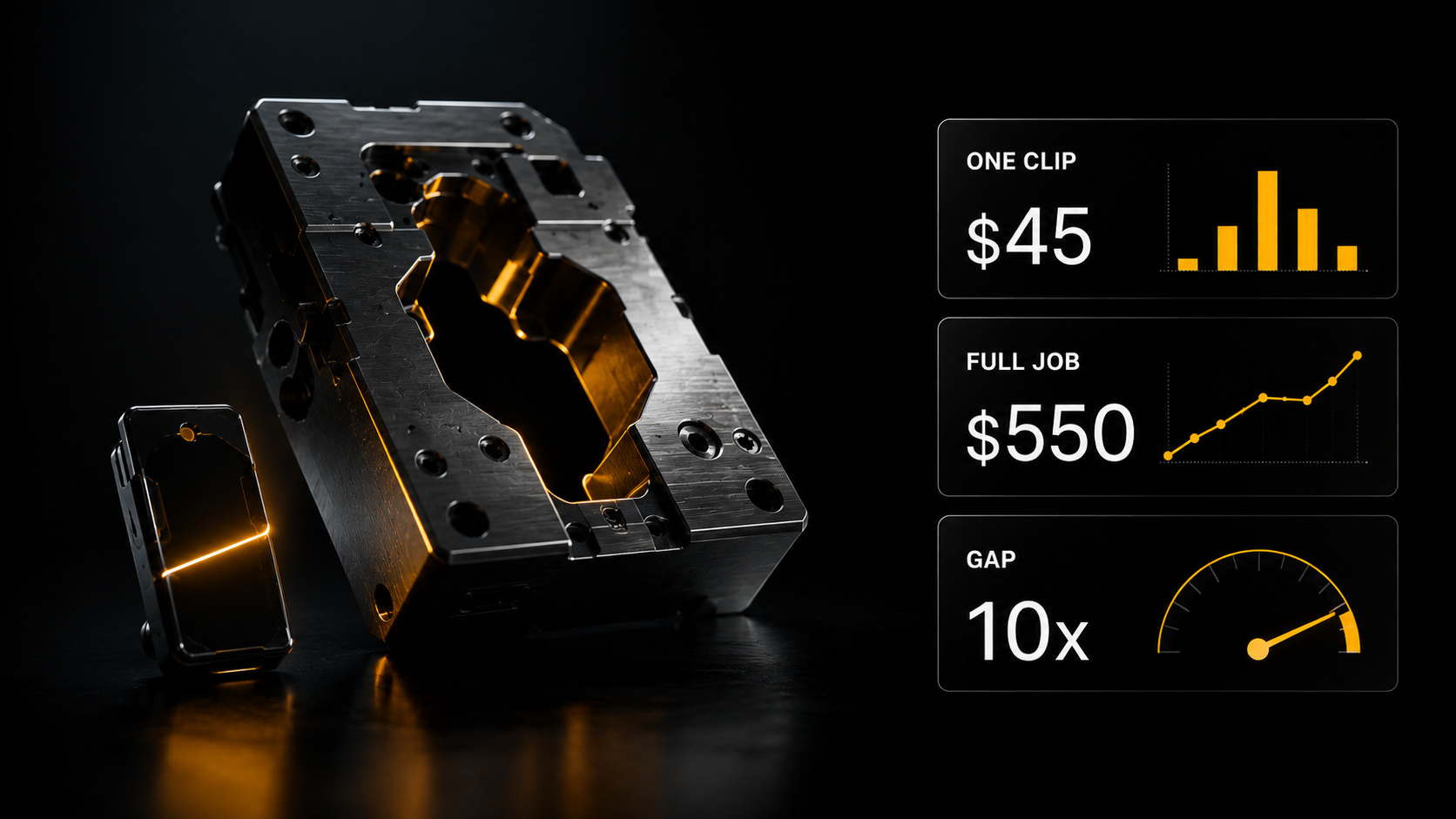
Generation takes the smaller part of the time. Most goes on the first and third points — and that is what the difference between $45 and $550 is paid for.
Which AI video people buy
From my scrape — 5 986 jobs over four months across seven categories.
Editing supplied material $12–35. A short clip $18–45. A two to three minute animation $25–110. Turnkey AI video $245–550.
The median one-off job is around $60. A separate line: up to $610 for a finished clip on a piecework basis — the top of the market for solo work.
A caveat: an explicit budget appears in 17% of listings, and by individual type of work there are between twenty and three hundred observations with a sum. The median is reliable; the breakdown is a guide.
What is visible in these figures. The gap between "a short clip" and "turnkey" is more than tenfold. The difference is not in generation quality but in the fact that the second sells the whole result: script, assembly, sound, platform format, revisions. Somebody who can only generate stays in the bottom line.
What to check before taking a job
Three questions asked before agreeing rather than after.
Where the clip will go. The platform sets the format, the duration and the sound requirements. Fifteen seconds vertical and a minute horizontal are different jobs.
Whether there are hard requirements on fidelity. If a specific product, a specific room or a recognisable person is needed, generation does not suit, and it is more honest to say so at once.
How many rounds of revisions are in the price. For generative video that is critical: a revision often means regeneration, that is, a new cost. Two rounds in the quote is normal; "we revise until you are happy" is not.
Where to start
The "Google Veo 3 — creating commercial video" express course — the base: 1080p, synchronised sound, cinematic control. The output is finished clips with a single character and a controlled picture rather than a set of striking accidents.
The "Video AI 2.0 — East against West" express course — the advanced level for those who have done the base: Chinese models, long clips, multi-shot scenes with sound and editing finished video.
Both cost $9 and are included in the Plus plan. Important: they are not in the three free days of Basic — this is Plus level.
Three routes to them: a one-off purchase for $9, the Plus plan where they sit alongside the courses on generating and editing images and the site templates, or 1 000 experience points.
What is free right now: the catalogues and descriptions are open to guests without registering. Registration gives three days of Basic — there you have 200+ AI assistants across 14 categories, including creative and media, and the express course “Encyclopaedia of AI tools” — 198 verified services in 24 categories, showing at a glance which model suits which task.
Generation is paid from the wallet — on usage, with the cost visible before you press, and money returned to the balance on a failure. For video that matters: you see the price of a frame before launching it.
Do one thing today: find three video listings in the job feed and look at what is actually being asked for. Usually it turns out that what is needed is not cinema but fifteen seconds for a specific platform in a specific format — and that can be done today.
What the courses cover and what is ready immediately
The course “Photo and Video” (Plus plan) — 13 lessons: from the basics of image generation and prompts to AI video, Higgsfield and the video pipeline. Plus express courses: “Midjourney from zero to control”, “ChatGPT Images & Nano Banana”, “Google Veo 3” and “Video AI 2.0” — Kling 3.0 and Seedance 2.0.
In Gen AI there are three video modes with exact figures: text to video — 51 models, $0.22–11.95 · photo animation — 84 models, $0.17–11.95 · video editor — 39 models.
All these models in one section
Gen AI, wallet payment from $5, the price written beside each model:
- Video generation from text — 51 models, $0.22–11.95
- Photo → video — 84 models, the largest set in the section, $0.17–11.95
- Video editor — 39 models: face replacement, watermarks, extension, editing corrections
- Lip Sync — 13 models
- Motion Controls — precise control of camera and object movement
- Refinement — extending a clip and upscaling to 4K
One subscription instead of ten, payment on usage, and each step's result serves as the next one's input.
Two courses on direction
“Google Veo 3 — creating commercial video” — $9 or the Plus plan. Five chapters: the anatomy of a prompt, controlling the camera work, synchronised sound and dialogue, character consistency across a series, precise prompting through JSON structure. The method is universal and works in other models too.
“Video AI 2.0 — East against West” — $9 or Plus. The advanced level on Kling 3.0 and Seedance 2.0: start and end frames for seamless joins, Multi-shot with six angles in one prompt, Omniedit — "Photoshop for video" with background, lighting and object replacement.
Assistants, Basic plan: Kling 3.0 Master-Mind, Seedance 2.0 prompts, Prompt Architect Veo, Video editing expert.
And ready pipelines if volume is needed
n8n templates for a stream of clips. Regular templates open from the Creator plan (and on Make, N8N and Full); advanced ones only on Full, or for a one-off $9, or for 1000 XP.
- Automatic creation of short videos with AI — once a day it takes data from Google Sheets, generates images, narration and video, syncs subtitles and assembles the finished clip
- Video from images on Wan 2.2 — advanced: your own photo-to-video server on Modal (H100 GPU), Wan 2.2 through TurboDiffusion, 720p
- News videos with a HeyGen AI avatar — advanced: an article from a news site becomes a script and a clip with a talking avatar
- AI Viral Video Generator — short videos on Seedance with automatic upload to TikTok, YouTube and Instagram
What to take on the platform for this task
- Course “Video editing” — Plus plan: from trimming and cutting to multilayer editing and breakdowns of real clips
- Video Gen — AI director and video editing — a skill: analyses photos and video, builds a storyboard and edits a clip through Seedance, Kling and Veo
- UGC ad from a product photo — a free skill: vertical 9:16 clips from a product photo; works in Cerebrum and through the AI SKILLS connector (Full plan), generations are paid from the balance
- Universal AI screenwriter — assistant: viral video and storytelling, Basic plan
- Animation expert — assistant: animation and motion design, Basic plan
What to read next
AI video generation — a full breakdown of models and prompts.
Lip-sync: making a character speak — what moves you into the top price line.
The cost of producing a clip — what one job comes to.
A clip from a product photo — eight ready formats.
Why Hollywood will never be the same — what the new video model changed, in a screenwriter’s words.