How to learn Midjourney: where to start and where everybody stumbles
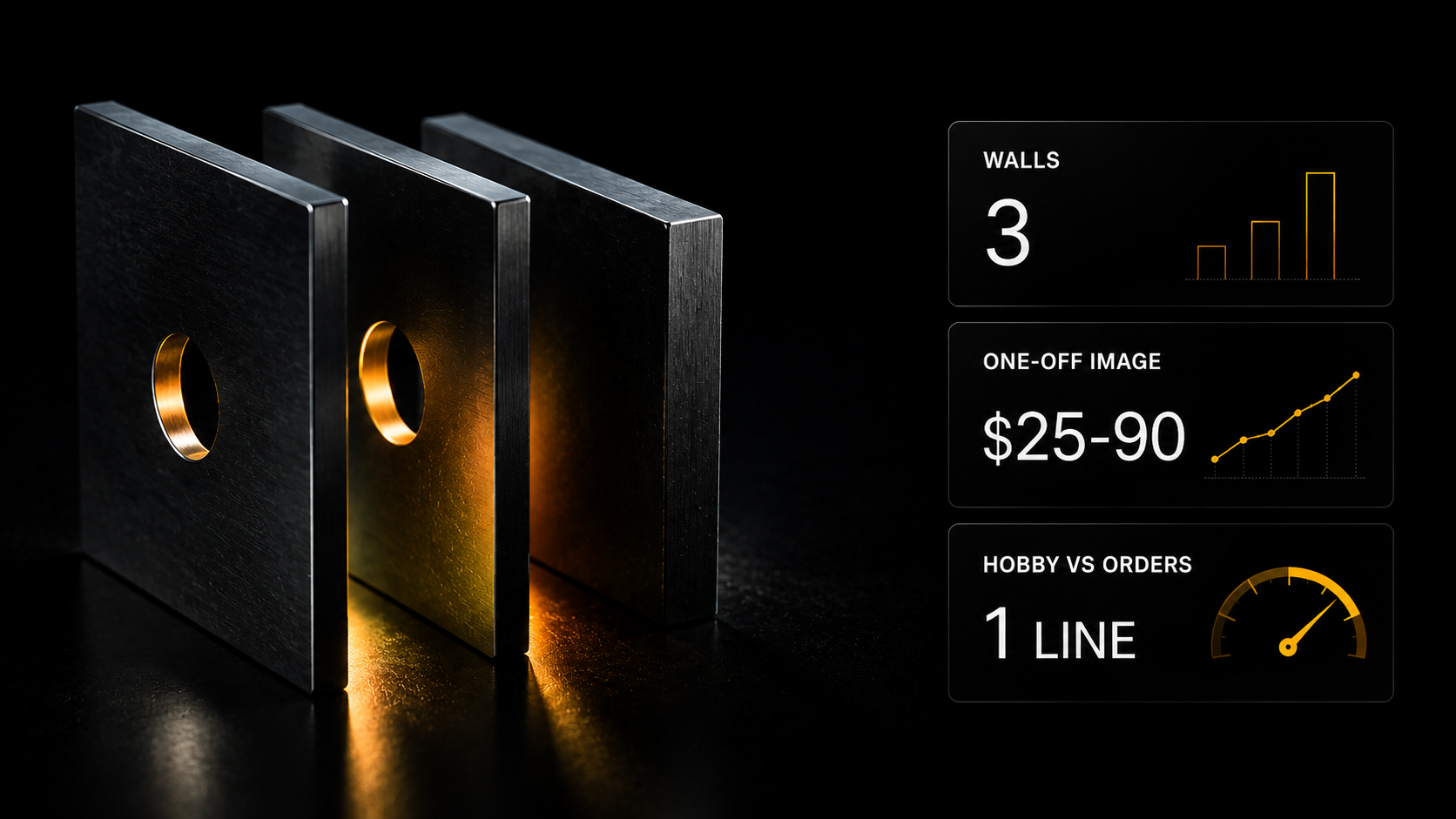
The first impression is wow, the second a week later is that getting the result you need is impossible. At the first stage you are not controlling anything, you are receiving gifts — and a gift cannot be delivered to a client. Below are the three walls people stumble on and what separates a hobby from paid work.
The first impression is wow, the second a week later is that getting the result you need is impossible. At the first stage you are not controlling anything, you are receiving gifts — and a gift cannot be delivered to a client. Below are the three walls people stumble on and what separates a hobby from paid work.
It comes out beautiful and it is not what you needed
Almost everybody's first impression of Midjourney is the same: wow. You type a few words and get a picture that looks like an illustrator's work.
The second impression arrives a week later and sounds different: getting the result you need is impossible. Beautiful, yes. What was required, no.
You ask for a logo for a coffee shop and get an abstract composition with coffee. You ask for the same character in a different pose and get a different person. You ask for a vertical frame for stories and get a square.
The problem is that at the first stage you are not controlling anything, you are receiving gifts. A gift cannot be delivered to a client: a client needs a specific result in a specific format.
The difference between "I can generate" and "I can get what I need" is the whole journey.
Three walls people stumble on
Wall one: getting in
The service has a high technical entry threshold. It requires a subscription, and payment is a quest of its own.
Most people drop out here without having seen a single picture. That is a purely technical task and it can be solved — but it has to be solved before the actual work begins.
Wall two: the interface and the commands
The work does not happen in a familiar window with fields. There is a set of commands and parameters, and without them you are using a fraction of the capability.
What genuinely changes the result: aspect ratio, the degree of freedom given to the model, the version, excluding unwanted elements, working with a source image as an example.
Five or six parameters, and generation turns from a lottery into a controlled process.
Wall three: repeatability
The most insidious, because confident users are the ones who reach it.
The client needs a series: five listings in one style, the same character in different frames, a single line of covers. And the model produces something new every time.
That is solved by references — a way of telling the model "like this, like here". Without that skill commercial series work cannot be delivered, and that is exactly where the line between a hobby and paid work runs.
What matters more than the prompt
Three things that give more than the length of a description.
The format for the task. A frame for stories, a cover and a product listing are different proportions, and they have to be set at the start rather than cropped afterwards.
Style by reference rather than in words. Describing a style in text is almost impossible. Showing an example is easy.
Iteration instead of rewriting. The right process is not "compose the perfect prompt" but get something approximate and refine it step by step: enlarge, change a detail, lock in what you liked.
How long learning takes
Realistic timescales, so you do not give up on day two.
A first usable result — an evening. Assuming the technical entry has been solved. It is the entry rather than the generation that eats most people's first attempt.
Control — a week or two. That is the moment you get what you intended rather than a pleasant surprise. It is only trained on tasks with boundaries: a specific format, a specific purpose.
Series work — a month. The same style across a set, one character across different frames. That is where commercial viability begins.
What speeds it up: working on real tasks immediately rather than on "let me try something". Five tasks with set boundaries give more than a hundred free generations.
What slows it down: trying to master every parameter at once while also trying three other services. The one-tool rule works here as nowhere else.
When Midjourney is the wrong tool
The honest part, which saves weeks.
It creates from nothing. If you need to edit an existing photograph — remove something, change a background, add an object to a real shot — that is a task for other models.
Holding one character across a series of frames is also more reliable in other tools.
Text on an image remains a weak point of generative models in general. Lettering is usually added separately.
Understanding the limits is part of the skill. Somebody who knows what is done with what spends half the time.
What to show a client
A separate skill nobody thinks about until the first client appears.
Do not show everything you generated. Twenty options to choose from shift your work onto the client and look like an absence of position. Three options with an explanation of why they differ is work.
Show it in the context of use. A logo on a shopfront and in a small profile picture, a listing in a marketplace feed, a cover in a platform's feed. A full-screen picture is impressive and says nothing about suitability.
Say what can be changed. The client does not know the tool's limits and is shy about asking. Saying plainly "the colour, the angle and the background can change, this cannot" saves two rounds of revisions.
What people earn from Midjourney
Since this is about learning, here are the figures from my scrape — 5 986 jobs over four months across seven categories.
An image per piece $12–35. A logo $25–90. Marketplace listings $245–730 per set.
The median one-off job across the whole scrape is around $60.
An honest caveat: an explicit budget appears in only 17% of listings, and by individual type of work there are between twenty and three hundred observations with a sum. The overall median is reliable; the line-by-line breakdown is a guide.
And a conclusion that matters more than the ranges. Per-piece generation runs into a ceiling: more money means more pictures. Series work for a business — listings, product lines, brand visuals — costs an order of magnitude more, and what it requires is control rather than the ability to produce something beautiful.
Where to start
The "Midjourney from nothing to control" express course takes you through all three walls in order: the technical entry, the interface and commands, advanced techniques and working with your own references.
The result: a working account, an understanding of the commands and the ability to create images in the style you want with controlled composition — rather than a set of random pretty pictures.
The cost is $9. The course is included in the Plus plan — note, not the basic one. It is not in the three free days of Basic.
Two routes to it: a one-off purchase for $9 or the Plus plan, where it sits alongside courses on editing images in chat models, on video models and the site templates. Plus a third route — 1 000 experience points, earned by working on the platform.
What is available free right now: the catalogues and descriptions are open to guests without registering, and free registration gives three days of Basic — there you have 200+ AI assistants across 14 categories, including creative and marketing, and an encyclopaedia of 198 verified services (an express course) showing what is done with what.
Generation is paid separately — from the wallet, on usage, with the cost visible before you press. Not by subscription.
Do one thing today: take one real task — not "a nice picture" but something specific: a cover for a specific post, a logo for a specific type of business. Control is only trained on tasks with set boundaries.
The Midjourney course: three blocks
"Midjourney from nothing to control" — $9 one-off or the Plus plan and above.
Registration and access — step by step for users in different countries, payment options, choosing a plan, getting round the standard problems. That is usually where people get stuck.
Fundamentals — prompt structure, the web interface against the chat one, basic parameters, working with results.
Advanced level — extended commands, the controls, and most of all: working with your own references — image prompts and style references. That is the move from "something came out" to "what I wanted came out".
What is nearby if Midjourney is not the only option
The Gen AI section — 30 image generation models in one place, $0.12–0.25 per frame, wallet payment from $5. Plus 34 photo editor models, upscaling, background removal. No need to pay a subscription for each service separately.
Your own style instead of somebody else's — LoRA trainers for three architectures: the model learns from your work.
The express course "ChatGPT Images & Nano Banana", Plus plan and above — seven chapters, including the "image DNA" mechanic for one character across a series of frames.
Assistants, Basic plan: Image prompt generator, Nano Banana prompts, Seedream 4.5/5.0 prompts, Art director, Illustrator.
What exactly the course covers
The three walls at the entrance are removed by one module, but the value is not there — it is in the techniques at the control level.
Character Reference — you upload a person's or a mascot's face and the model remembers it. You then place the character anywhere: an office, the Moon, a samurai costume. The face stays the same and the strength of the resemblance is set by the --ow parameter.
Style Reference — you saw a good design, uploaded it as a reference with --sref, and the model takes on the aesthetic, the colours and the atmosphere. It comes with a library of 4 000+ ready style codes.
The web editor — you select a shirt in the browser and write "replace with a business suit". Only the selected area is repainted; shadows and background are preserved.
Custom Zoom — you generate a logo, click and write "printed on a white mug on a café table". Ready mock-ups for a portfolio in two clicks.
Describe — you upload any picture from the internet and get four prompts it could have been created with. Reverse-engineering other people's finds.
The course is included in the Plus plan.
What to take on the platform for this task
- Midjourney V8 and V7 in the Gen AI section — Midjourney models right on the platform; each generation is paid from the balance, the price is visible before launch
- Nano Banana Pro and other image generation and editing models there — for when Midjourney is the wrong tool (editing an existing photo, text on an image)
- The express course “ChatGPT Images & Nano Banana”: image editing and one character across a series of frames; Plus plan and above
- Automated animation generation with Midjourney and Kling — an n8n template: Midjourney images turn into animation; Creator and above
- The course “Photo and Video” — introduction to image generation, Midjourney, Higgsfield, video pipeline; Plus plan
What to read next
Photo editing with AI — when you need to correct rather than create.
AI for designers — how a series in one style is assembled.
Your own visual style — the next rung of control.
The AI freelancer price list — what images pay.
AI video generation in 2026 — the full guide to video models.