How to edit photos with AI and hold one character across a series of frames
Generating a picture is easy, and the real task is built differently: remove something from an existing photo, put a specific product in another scene, hold one character across five listings. Below is the sign that shows which tool you need.
Generating a picture is easy, and the real task is built differently: remove something from an existing photo, put a specific product in another scene, hold one character across five listings. Below is the sign that shows which tool you need.
Generating a picture is easy, editing one is not
The first thing everybody learns is generation from nothing. Described it, got it.
And then a real task arrives and turns out to be built differently.
You need to remove something from an existing photograph — cables, a passer-by, clutter in the background. You need to put a real product in a different setting. You need the same character on five listings in a row looking identical. You need to add a detail to an existing shot rather than draw everything again.
Not one of those tasks is solved by generating from nothing. Every time you get a new picture instead of a changed old one — and that is not your mistake but a different category of tool.
Two different tasks
Understanding this distinction saves weeks.
Generation from nothing. You describe, the model invents. Strong where there is no source and precision is not needed: concepts, illustrations, atmospheric shots, stylised visuals.
Editing and extending. There is a source image and it has to be changed while everything else is preserved. Other models work here — the ones that understand the picture's context and correct it precisely.
The practical sign to choose by. If the task contains the word "this" — this product, this person, this room — you need editing rather than generation. If the task sounds like "draw me something along these lines", generation.
What actually gets solved
Remove and replace. An unwanted object, the background, a caption, a person in frame. One of the most in-demand tasks in commercial work: a product photograph taken on a phone in unfortunate surroundings is brought into usable shape.
Extend the frame. Widen an image so it fits another format: a horizontal photo for a vertical listing, a cropped shot for a cover.
Put an object into a new scene. A real product in an interior, against a background, in somebody's hands. It replaces product photography in a substantial share of cases.
One character across a series. The most valuable thing for commercial work. A character who looks the same across five frames is what a line of listings, a series of posts or an advertising set cannot be delivered without.
Correcting details. A colour, an item of clothing, lettering on packaging, a small thing that is wrong.
Where the boundary of AI retouching lies
Exact correspondence to a real object. The model produces something similar rather than identical. For a product where every detail matters — markings, composition, exact form — that is a fundamental limitation.
Text on an image. A weak point of generative models in general. Lettering is usually added separately in an ordinary editor.
Anything legally significant. Nothing presented as documentary photography may be edited — that is no longer a question of quality.
And an honest caveat about people. Faces and hands remain the hardest part. In series with people every frame has to be checked.
How to hold a series consistent
The most valuable and the hardest part of commercial work.
Record everything on the first good frame. Description, parameters, reference, model version. Without a record it cannot be repeated — and a series of five listings requires exactly repeatability.
Work from one source rather than from a description. A character defined by text will differ every time. A character defined by an image will be recognisable.
Change one parameter at a time. Pose, angle, background — in turn. Change three things at once and get a different person and it is unclear what broke the resemblance.
Check the whole series together rather than one at a time. Frames each good on their own may not match in a row for light, tone or scale. They have to be looked at the way a buyer will see them — in sequence.
Why this matters more than generation for paid work
A simple observation from practice.
A client rarely needs a picture in general. He needs a picture of his product, his premises, his goods. That is, almost always work with something existing rather than creation from nothing.
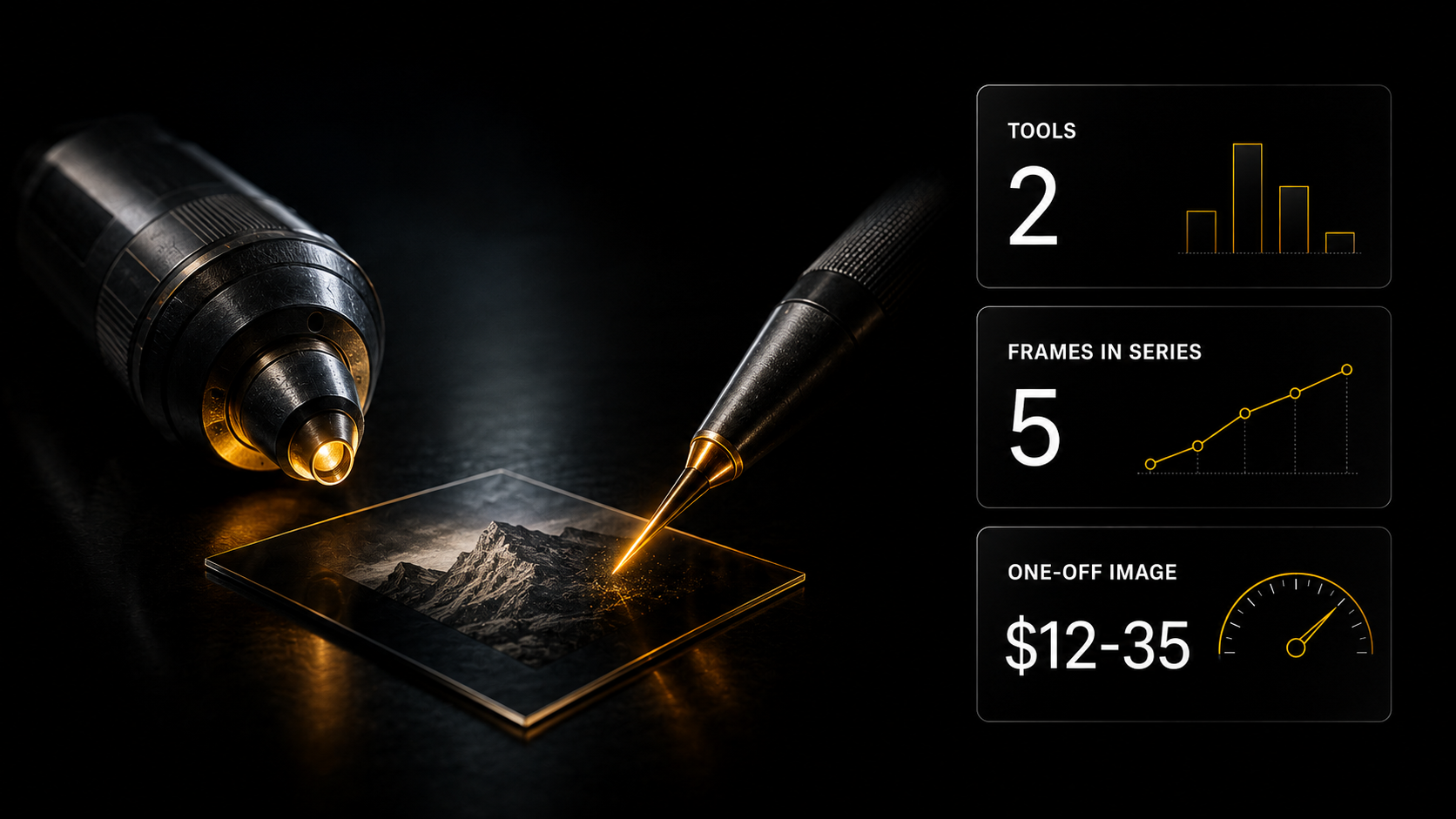
From the Parselona feed — 5 986 jobs over 4 months: an image per piece $12–35, and marketplace listings $245–730 per set. The difference is not in the quality of an individual picture. The difference is that a set is a series with a single style and a real product, and that is editing.
Somebody who can only generate stays in the bottom line.
How to structure the work
Start with the source rather than the prompt. A good source is half the result. Even light, a clean background, the product complete in frame. Shooting on a phone and refining it is easier than rescuing a bad frame.
Record what worked. Description, parameters, reference. Otherwise repeating what you liked in the second frame of a series will not happen.
Correct by iteration. Do not rewrite the request from scratch — change one thing at a time from the previous result.
Check on a small screen. A listing and a cover are viewed in a feed rather than at full size. What is invisible on a large screen shows on a small one, and the reverse.
What the client must provide for a series of shots
A separate point that saves rounds of revisions.
Source files at maximum quality. Not forwarded through a messenger with compression but the originals. Half the problems with the result are problems with the source rather than with the tool.
A reference for what he likes. Describing a style in words is almost impossible; showing one is easy. One example from the client replaces three rounds of correspondence.
Where it will be used. A listing, a cover, an advert, print — that determines the format, the resolution and what to check.
What must not change. The colour of the packaging, the shape of the logo, a specific detail of the product. A list of prohibitions from the client matters more than a list of wishes — and it has to be asked for directly, he will not offer it.
And agree the number of revisions in advance. For generative work that is critical: a revision often means regeneration, that is, a new cost. Two rounds in the quote is normal; "we revise until you are happy" is not.
Where to start
The "ChatGPT Images & Nano Banana" express course — on generating and editing images in chat models: from a first prompt to branded content with one character across a series of frames.
The key difference from the course on generating from nothing: this is about working with existing images — editing photographs, holding a character across a series, adding details to something finished.
The cost is $9. The course is included in the Plus plan — not the basic one, and it is not in the three free days of Basic.
Three routes to it: a one-off purchase for $9, the Plus plan where it sits alongside the course on generating from nothing, the video model courses and the site templates, or 1 000 experience points earned by working on the platform.
What is available free. The catalogues and descriptions are open to guests without registering. Registration gives three days of Basic — there you have 200+ AI assistants across 14 categories, including creative and e-commerce, and the encyclopaedia of 198 verified services showing what is done with what.
Generation is paid from the wallet — on usage, with the cost visible before you press, and money returned to your balance on a failure.
Do one thing today: take one of your own photographs that almost works but has something wrong with it — an unwanted object, a poor background, the wrong format. Try correcting that one rather than generating something similar. The difference between the two approaches becomes obvious in ten minutes.
The exact figures by tool
The photo editor — 34 models, $0.12–0.50: replace an object, remove something, extend the edges, change the background or the style.
Background removal — $0.12. Upscale — 6 models, $0.12–0.40. Product Shot — 2 models, $0.12: the product in a studio scene with no shoot. Face Swap — $0.12.
And a pipeline if there are many items
The n8n template "Studio photos and videos for product listings": an ordinary product shot becomes a studio photo and a short rotating-product clip, with the links sent to Telegram. For a stream of items there is "Product image generation via AI", which processes several products from Google Drive one after another and saves the results back.
Plus a technique from the "Photo and Video" course — the Midjourney web editor: you select an area in the browser and write what to replace. Only that area is repainted; shadows and background are preserved.
The "Photo and Video" course — Plus; the "Studio photos and videos for product listings" template — advanced (Full, or $9 one-off, or 1,000 XP); the "Product image generation via AI" template — Creator, Make, N8N, Full.
All of this is in one section
Gen AI, wallet payment from $5, the price written beside the model:
- Photo editor — 34 models, $0.12–0.50: replace an object, remove something, extend the edges, change the background or the style
- Upscale — 6 models, $0.12–0.40: enlargement with no loss of detail, for print and restoring old files
- Background removal — $0.12, the object with a transparent background
- Face Swap — $0.12
- Product Shot — the product in a studio scene or in a model's hands
A single style across a series — the thing people usually struggle over: LoRA training for three architectures trains the model on your work, and it then applies your manner to new frames. Plus character training, if the series has to feature the same person.
Courses on editing, Plus plan or $9: the express course "ChatGPT Images & Nano Banana" — seven chapters, including the "image DNA" mechanic for one character across frames. The express course "Midjourney from zero to control" — working with your own references, image prompts and style references.
Assistants, Basic plan: Image prompt generator, Nano Banana prompts, Seedream prompts, Art director, Graphic designer.
Skills for processing
- Editing and enhancement through an API — four modes in one: correction by description, upscaling and background removal, lip sync, video effects. With no local graphics card
- Upscaling and enhancement — increasing resolution, light and colour, style transfer, background removal
- Background removal — a narrow task, but in batches and with a preview
- Product photography — five models for different tasks: fast runs, photorealism, commercial quality. White background, lifestyle, macro, flat lay
- Professional product photographs — six frame types with control of angle, light and shadow. White background for platform requirements is specified separately
- Product photos for advertising — with an important constraint: the product's geometry, packaging, logos and colour are preserved exactly until you explicitly permit changes. A manual check before release is obligatory
- Colour harmony across a series — directly about the single style in the title: it compares the colour distributions of shots and aligns the palette across the collection rather than the frame
- Platform dimensions — nine platforms and over sixty formats with a check on whether the source will do, and export of cropped copies
- Editing designs in Canva — if the work is with a finished layout rather than a photograph: replacing text, images and colours
On a single style — what actually solves it. The seventh item. A style holds not through the same filter on every frame but through a palette aligned across the whole series. The difference shows when the shots lie side by side.
What to take on the platform for this task
- Product photo for a marketplace listing — skill: photos for a listing to platform requirements; files from Basic.
- Studio set of a product from one photo — skill: a series of angles from a single shot; files from Basic.
- Virtual clothing try-on for product listings — skill for apparel; files from Basic.
- Studio photos and videos for product listings — n8n template; advanced (Full, $9 or 1,000 XP).
- Midjourney from zero to control — express course: your own references and style references; Plus and above, $9.
- Photo and Video — course on generating and processing images and video; Plus plan.
What to read next
How to learn Midjourney — the tool for creating from nothing.
Your own visual style — how to hold a manner across a series.
A 3D model from a product photo — when photo correction is not enough.
AI for marketplace sellers — who this sells to.
AI video generation in 2026 — the full guide to video models.