A 3D model from a product photo: why it is needed and who pays for it
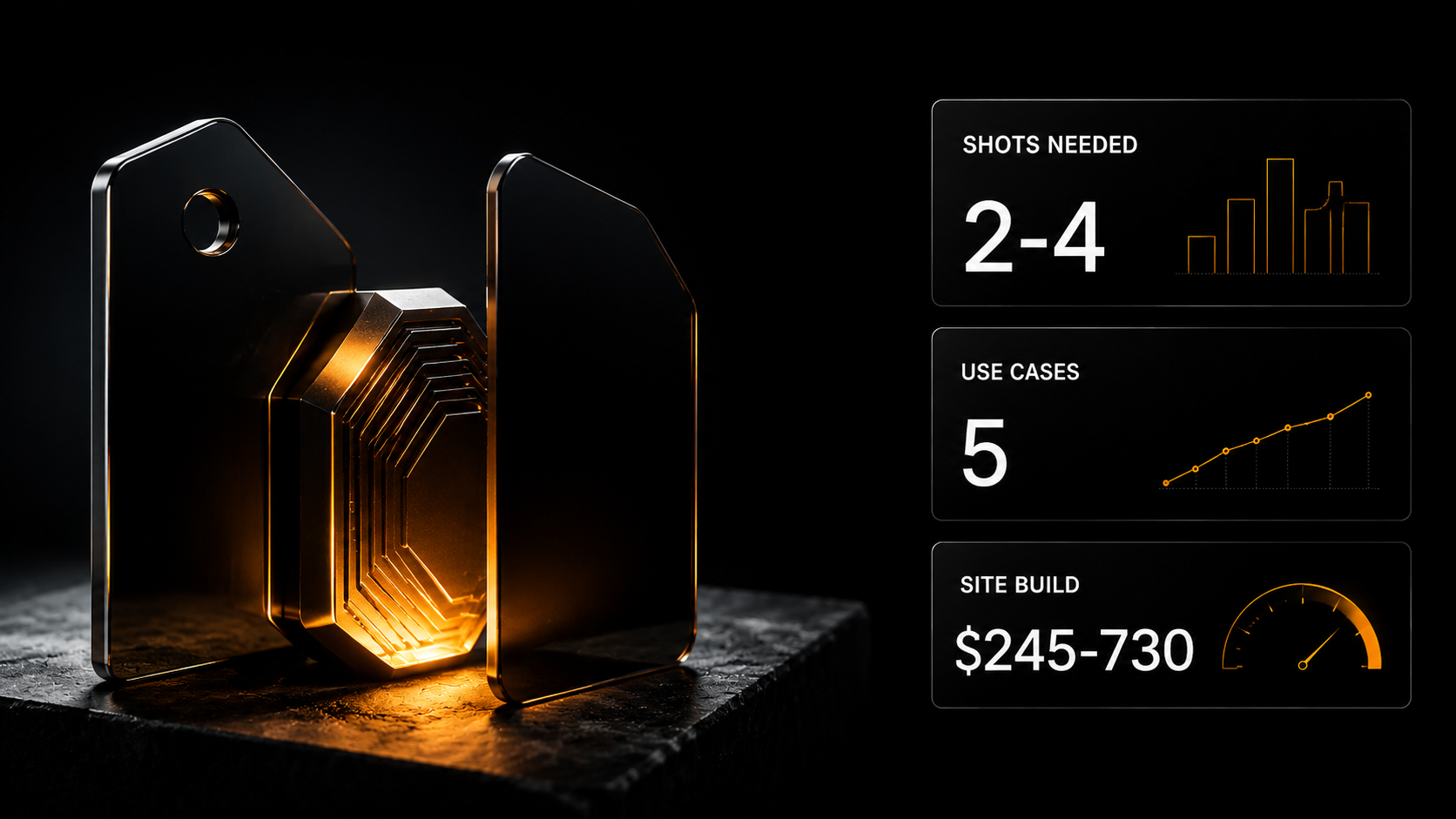
The client needs the product in three dimensions rather than in a photograph: to rotate it on a listing, place it in another scene, fly a camera round it. That used to mean a photo shoot or manual modelling. Below is what comes out of ordinary photographs, where the limits are and how it sells.
The client needs the product in three dimensions rather than in a photograph: to rotate it on a listing, place it in another scene, fly a camera round it. That used to mean a photo shoot or manual modelling. Below is what comes out of ordinary photographs, where the limits are and how it sells.
Not enough photographs, and volume is needed
A task that used to be solved only by a shoot or by manual modelling.
The client needs the product in three dimensions rather than in a photograph: to rotate it on a listing, place it in another scene, show it from every angle, drop it into a clip.
The classic route: either a photo session with dozens of angles, or a 3D artist modelling by hand. The first is expensive and does not give real volume; the second is expensive and slow.
There is a third route: the model is assembled from ordinary photographs. From one, and better from two to four taken from different sides.
Let us go through what actually comes out and who to sell it to.
What one product photo can be turned into
Two directions, and they differ in applicability.
From a photograph into volume. You upload a shot of the product and get a three-dimensional model. The more angles at the input, the more accurate the result: two to four shots are noticeably better than one.
From text into volume. You describe an object in words and get a model. It works when accuracy is not needed: props, scenery, a generic object.
The order of prices for generation: $0.36–0.72 per model, depending on the tool. Wallet payment on usage, the price visible before you press.
Where a 3D product model is used
Five scenarios, from the most common to the narrowest.
A product listing with rotation
The buyer rotates the product and sees it from every side. For marketplaces and online shops that noticeably raises trust: the objection "you cannot see what it is really like" is removed.
The most common scenario, and the easiest to approach: the seller already has photographs.
The product in any scene
With volume, you place the object anywhere: in an interior, on a table, in someone's hands. With no reshoot for each scene.
That replaces a product photo session for a substantial share of tasks.
Clips with camera movement
A three-dimensional model lets you fly a camera round the product. For an advertising clip that is the cinematic shot people usually rent a studio for.
Prototypes and presentations
Showing an idea before production. To an investor, a partner, at a trade show.
Games, applications, augmented reality
The narrowest niche by demand, but with high fees.
Where the technology falls short
Honestly, because it determines what to take on.
Fine detail. Threading, engraving, fabric texture, thin elements — lost or distorted.
Transparent and shiny. Glass, chrome, mirrored surfaces — the hardest category. A photograph of such an object consists mostly of reflections, and the model takes them for form.
Exact correspondence to the original. What comes out is similar rather than identical. For a product where every detail matters — markings, exact form, composition — that is a fundamental limitation.
Text on a surface. Lettering on packaging does not transfer correctly and is added separately.
Complex geometry. Objects with cavities, cut-outs, many separate parts.
The practical conclusion: simple forms with matte surfaces work best. A mug, a box, footwear, furniture, technology without gloss.
How to get a decent result
Four rules, all about the source material rather than the tool.
Shoot from several sides. Two to four angles change the result more than the choice of model. Front, side, top, back.
Even diffuse light. The model takes hard shadows for form.
A plain background. The less clutter around it, the more cleanly the object is isolated.
The whole product in frame. What is cropped does not get reconstructed.
The check is simple: if you yourself could not work out the object's form from those photographs, neither will the tool.
How 3D product models are sold
Who buys. Marketplace sellers, online shops, furniture and appliance manufacturers, people making presentations and catalogues.
How to approach it. Not with an offer of 3D. With an observation about his listing: in the questions about the product people ask about dimensions and what it looks like from the other side. Which means there are not enough photographs.
That is specific and verifiable — and works better than an account of the technology.
What is delivered: models per item, renders for the listing, and if needed a clip with a camera fly-round.
The order of prices for comparison. In our bot's feed of 5 986 jobs over four months: marketplace listings $245–730 per set, an image per piece $12–35, the median one-off job around $60.
3D logically sells not separately but as part of a listing set. An individual model is per-piece work; a set with volume and angles is an entirely different fee.
And honestly on cost: $0.36–0.72 per generation against a set worth hundreds of dollars. The spend is measured in fractions of a percent; the main thing is to build it into the quote, the way a printer builds in paper.
What the platform offers for 3D models
Gen AI, the "3D generation" mode — eight models: from a photograph, from text, from several angles. Generation costs $0.36–0.72.
Product Shot — product photography: the item is placed in a studio scene or in a model's hands with no real shoot. Two models, $0.12.
Background removal — for cleanly isolating the object before processing. $0.12.
Upscale — increasing the resolution of renders for print and large banners. Six models, $0.12–0.40.
If there are many items: describe the chain "remove background → build the model → render the angles → assemble the listing" in Cerebrum — it picks the right Gen AI models, the price is visible before launch and you pay from your balance as used.
The e-commerce category assistants — thirteen of them, including the Wildberries architect, the Ozon content master and the Visual merchandiser. From the Basic plan.
Registration is free and opens three days of full Basic access.
Where to start today
One action. Take one of your own products or a product from a seller you know, photograph it from four sides on a phone in even light and build a model.
Not to sell. To see where the technology copes and where it does not on your type of product — an answer no article can give you.
If your product is matte and simply shaped, you have just acquired a service your competitors in that niche do not offer.
The "3D generation" mode in Gen AI
The section, the "3D generation" mode — 8 models, $0.36–0.72 per generation. Three ways to get a model: from a text description, from one photograph, and from several angles at once (2–4 shots). Wallet payment from $5, the price visible before launch.
The multi-angle option is more accurate: the model sees the product from different sides and does not invent what was not in frame.
What sits alongside in the same section:
- Product Shot — the product in a studio scene or in a model's hands, $0.12
- Upscale — increasing resolution with no loss of detail, for print and large banners
- Background removal — cutting out an object with a transparent background, $0.12
- Photo → video — animating a frame, 84 models
Who this sells to. Marketplace listings — a 3D model supplements the set where an ordinary photograph is not enough: a complex form, a mechanism, a structure.
Platform assistants, Basic plan: the Wildberries architect, the Ozon content master, the Visual merchandiser.
Where this sits and what is nearby
In Gen AI the 3D generation mode has eight models at $0.36–0.72 per model. From text, from a photograph, from several angles.
What people take alongside for the same task:
Background removal — one tool, $0.12. Cleanly isolating the object before building the model.
Product Shot — two models, $0.12. The product placed in a studio scene or in a model's hands with no real shoot.
Upscale — six models, $0.12–0.40. Enlarging renders for print and large banners.
If there are many items — the n8n template Studio photos and videos for product listings (advanced: Full / $9 / 1000 XP) turns an ordinary product shot into a studio photo and a short clip for a marketplace listing.
The cost of a set against a fee of $245–730 per set is measured in fractions of a percent.
What to take on the platform for this task
- AI product photo generation — n8n template: product images without a full photo shoot when the catalogue is large
- Studio photos and videos for product listings — n8n template: a product shot → a studio photo and a short clip; advanced (Full / $9 / 1000 XP)
- Ozon content master — product cards and listing optimisation; from Basic
- ChatGPT Images & Nano Banana — an express course on generating and editing images, $9, Plus and above
- The "Photo and Video" course — from images to a video pipeline, Plus plan
What to read next
AI for marketplace sellers — where this goes.
Photo editing with AI — preparing the source material.
Relaunching on a marketplace — the full pipeline of work.
The cost of producing a clip — what generations come to.
AI video generation in 2026 — the full guide to video models.