Why your AI character looks plastic and how to fix it
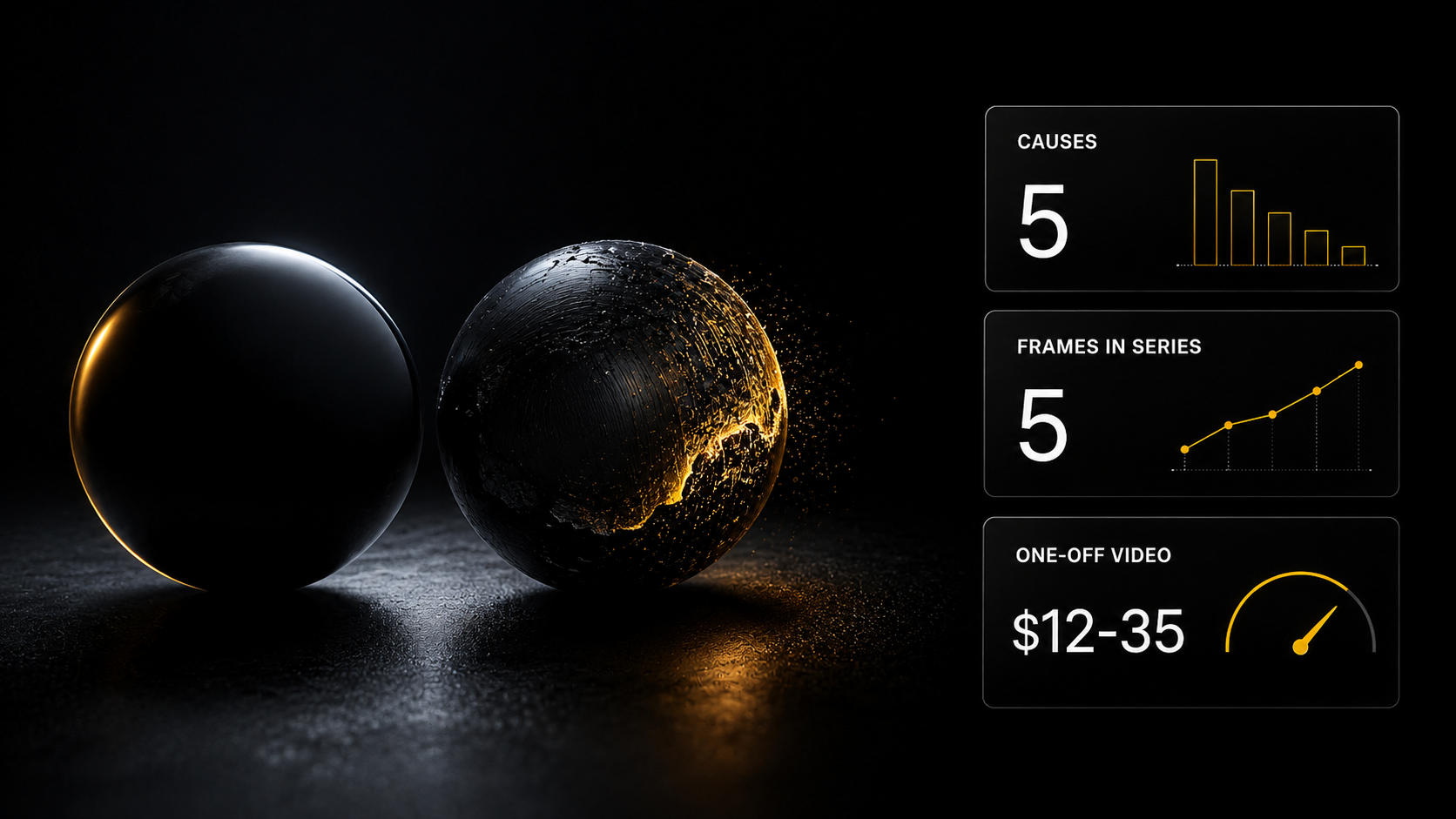
The frame is handsome, but within half a second it is clear this is not a photograph, and the next frame produces a different person. The first is fixed by settings, the second only by a trained character. Below are five causes of the plastic look and why a series matters more than realism.
The frame is handsome, but within half a second it is clear this is not a photograph, and the next frame produces a different person. The first is fixed by settings, the second only by a trained character. Below are five causes of the plastic look and why a series matters more than realism.
Handsome, but obviously not a person
You generated a character. The features are right, the light is even, the skin is smooth.
And any viewer understands within half a second that this is not a photograph.
Worse is the other thing: the next frame produces a different person. Similar but not the same. The mole has gone, the shape of the nose has shifted, the age has moved by five years. Assembling a series of ten frames is impossible, and without a series there is no advertising campaign, no blog, no listings.
Both problems are solvable, and in different ways. The first by settings and post-processing. The second by an entirely different approach.
Five reasons a face reads as synthetic
1. Skin that is too clean
The main giveaway. By default a model produces a perfectly even surface with no pores, no small irregularities, not a single blemish.
Living skin is uneven. The absence of texture is read by the brain as "plastic" before it has time to think.
What to do: ask for texture explicitly — pores, small imperfections, a natural unevenness of tone. And do not overdo upscaling with smoothing: it often kills exactly what made the frame alive.
2. Light that is too correct
A studio setup with not a single hard shadow looks like advertising rather than documentary.
Living frames almost always have one source: a window, a lamp, sun from the side. The shadows are hard and part of the face goes into darkness.
What to do: specify the source and the time of day rather than "good lighting".
3. Symmetry
A model tends towards the ideal: both sides of the face identical, the eyes at the same height, the smile even.
Living people always have asymmetry, and it is exactly what makes a face recognisable.
What to do: ask for slight asymmetry explicitly. It is one of those things that will not appear by itself.
4. Dead eyes
The hardest place for generative models. The eyes come out technically correct and empty: no micro-direction of gaze, no natural catchlight, none of what reads as attention.
What to do: specify where and how the person is looking — not "looking at the camera" but "looking slightly past the lens, as if listening to somebody". And check the frame by the eyes first: if they do not work, nothing else will save it.
5. No context
The character hangs in a void or against a blurred background. A living person is always somewhere, and there are traces of life around him: clutter on the desk, a cup, a reflection in a window.
What to do: describe the place, not only the person.
Which of these matters most
Texture and light. Remove only those two problems and the synthetic look drops noticeably. The other three refine the result, but that is where to start.
And a checking rule: look at the frame on a small screen rather than at full size. Your viewer will see it in a feed, compressed to a few centimetres. What catches the eye at full size disappears there, while plastic skin and dead eyes remain visible.
The real problem is not the plastic look but the inconsistency
Everything above is fixed by finding the right phrasing. The main trouble is something else.
Every new generation gives a new person. You got a good frame and ask for a second in a different pose — and it is already a different face.
Workarounds work halfway. A reference will hold a general resemblance, but the details still drift. Fine for one frame, not for a series of ten.
And commercial work is always a series. An advertising campaign, a set of listings, a blog with a recurring character, a series of clips. One handsome frame is of use to nobody.
The solution: a trained character
The Gen AI section has character training — training a consistent character on your images.
What that changes. A trained character is stored in your profile and inserted into any subsequent generation. The appearance does not change from frame to frame: the same person in a different pose, in a different place, in different light.
What it opens up:
- A series of frames with one character
- An advertising campaign in a single style
- A blog with a consistent face
- Clips where the character is recognisable from episode to episode
Alongside are LoRA training — training your own visual style, and the voice trainer — a voice clone for narration.
Three trained assets together — character, style, voice — give what ordinary generators do not: recognisability.
Three sources of a character
If training is premature, there are simpler options.
Your own photograph. Upload a selfie and the character is you. It works for an expert, a coach, an author: advertising with yourself on camera and no shoot.
Your own trained character. The consistent one described above.
A model with a character reference in Gen AI — for example Ideogram Character Reference or Seedance 2 Character Reference: one portrait reference, and the character is carried into new scenes. Use your own or a generated reference, not somebody else's face: for commercial advertising that is a condition of working.
What fixing the plastic look costs
Generation is paid from the wallet on usage rather than by subscription. The price of a specific model is visible before you press, and money is returned to the balance automatically on a failure.
The order of magnitude: generating an image $0.12–0.25, the photo editor $0.12–0.50, animating a frame from $0.17.
Compare with the market. In our bot's feed of 5 986 jobs over four months an image per piece goes for $12–35, and a set of marketplace listings for $245–730.
That is, the cost of generations in a job is measured in single percentages of the fee. The main thing is to build it into the quote from the start, the way a printer builds in paper.
What it takes to make a character look alive
Gen AI — a section with 338 models in one place. Image generation 30 models, photo editor 34, frame animation 84, Lip Sync 13.
Character, LoRA and voice training — training your own assets, which are then inserted into any generation.
Prompt Master — if the phrasing will not come, the "Improve prompt" button rewrites it to a method. That removes the main barrier: you do not have to be able to write prompts to get the texture and light you need.
For a finished advertising clip rather than a frame, use Cerebrum: describe the offer in plain words, the right models are picked automatically, the price is visible before launch and you pay from your balance by actual use. On the Full plan you can hand the same job to Claude through the AI SKILLS connector.
Image generation express courses (Midjourney from zero to control, ChatGPT Images & Nano Banana) — Plus plan, $9 one-off or 1 000 experience points. They are not included in the three free days of Basic.
Registration is free and opens three days of Basic — all the assistants, including the prompt generators in the "Creative" category, and an encyclopaedia of 198 verified services.
Where to start today
One action. Take your most recent generated portrait and look at it small — as a viewer will see it in a feed.
Then regenerate with three additions: skin texture with pores, one hard light source, the gaze slightly past the lens.
The difference is usually visible on the first attempt. And after that the question is no longer realism but whether you can repeat that face tomorrow — and that is solved only by a trained character.
A ready pipeline where consistency is solved
Everything above is settings. There is a solution where the character's consistency is built into the system itself.
The n8n template “Virtual influencer Instagram account automation” (advanced: Full, or a one-off $9, or 1000 XP) is built from three workflows:
Creating the character — you set a name, a detailed biography and upload a reference photo that becomes the standard for the appearance.
The planner — the model analyses the character's personality and draws up a seven-day content plan allowing for trends.
The visual engine — photorealistic selfies through Nano Banana, animation through Veo 3.1 into eight-second clips at 1080p.
The key property: the system does not simply draw pictures — it has memory, holds facial consistency and plans a week ahead by itself.
Plus a technique from the Midjourney course
Character Reference. You upload a person's or a mascot's face and the model remembers it. You then place that character in an office, on the Moon, in a samurai costume, and the face stays the same. The strength of the resemblance is controlled by the --ow parameter.
The express course “Midjourney from zero to control” — Plus plan and above ($9 one-off); the template is advanced: Full, or $9, or 1000 XP.
Character training as a separate tool
A character is not selected by prompt each time but trained once. Before paid training, check your photo set: poor photographs make a character permanently artificial — exactly the cause in this article's title, handled at the level of process. Realism is set by shooting conditions (phone, stories, studio light) rather than by the word "realistic" in a prompt. The most common mistake is asking for "photorealistic" instead of describing the camera and the light.
In Gen AI the trainers are available separately: character training — a consistent character, LoRA training for three architectures — your own visual style, voice cloning.
The models covered — the express course “ChatGPT Images & Nano Banana”, Plus plan and above ($9 one-off): the "image DNA" mechanic for one character across a series of frames.
Assistants for prompts, Basic plan: Nano Banana prompts, Seedream prompts, Image prompt generator, Art director.
Skills for character consistency
The plastic look is cured by settings. Inconsistency only by a trained or fixed character, and here is what with.
- A video series with a consistent character — three ways of holding a face: a model sheet with angles and a written passport, passing the sheet to a video model, a trained character. From the simplest to the most stable
- Character design sheet — a turnaround of four angles, an emotion table of at least six expressions and a palette. Plus a comparison of retention techniques by effort and accuracy
- Facial model training — five to twenty photographs from different angles and in different light, producing a permanent identifier of appearance for all subsequent generations
- A client portrait with an avatar — if the character is needed not as an abstraction but as the face of a specific segment
The video series skill is an ordinary one (files from Basic); the other three are advanced: Creator and above, or a one-off $9, or 1000 XP.
What determines the result more than the lighting settings. The variety of the source photographs in the second and third items. Twenty shots under identical lighting will give a character who falls apart when the scene changes; five different ones give a stable one.
What to take on the platform for this task
- Character training and the LoRA and voice trainers — in the Gen AI section: a character from a single portrait photo, a LoRA from 10–50 photos
- Virtual influencer with Veo 3.1 — n8n template (advanced: Full, or $9, or 1000 XP)
- Video series with a consistent character — a free skill; works in Cerebrum and through the AI SKILLS connector (Full plan), generations are paid from the balance
- Midjourney from zero to control — express course; Plus and above
- Art director — assistant: visual strategy; Basic
What to read next
Lip-sync: making a character speak — the next step after a still frame.
Your own visual style — how to carry your manner into generation.
What an AI blogger earns from — four income models.
Rights to a face in advertising — where to get an appearance legally.
AI video generation in 2026 — the full guide to video models.
AI video models in 2026 — what the models can do now and what of it sells.
Why Hollywood will never be the same — stable faces in the new model and what that changes.